Types of self storage access options are the methods and conditions that determine how, when, and through what entry points a tenant can reach their stored belongings. The industry term for this is "access control," and it covers everything from gate hours and door codes to mobile app entry and unit-level smart locks. Choosing the wrong access type is one of the most common mistakes renters make. You might sign a lease assuming 24/7 freedom, then discover the building closes at 9 p.m. This guide breaks down every major self storage access method, compares them directly, and tells you exactly what to ask before you sign.
1. Types of self storage access options: an overview
Access options refer to various access-hour types and differ by facility area, unit type, and permission level. A single facility can have three separate access tiers: the perimeter gate, the building entrance, and the individual unit door. Each tier may operate on different hours and require different credentials. Understanding all three layers before you rent prevents the frustration of arriving at your unit and finding a locked corridor.
The most common self storage entry types are drive-up outdoor units, indoor corridor units, and smart digital access systems. Each suits a different user profile. A contractor storing equipment needs fast, vehicle-level access. A business archiving sensitive documents needs climate control and an audit trail. A homeowner storing seasonal items needs reliable hours and a simple entry method. Matching the access type to the use case is the core decision.
2. Drive-up storage access: convenience at ground level
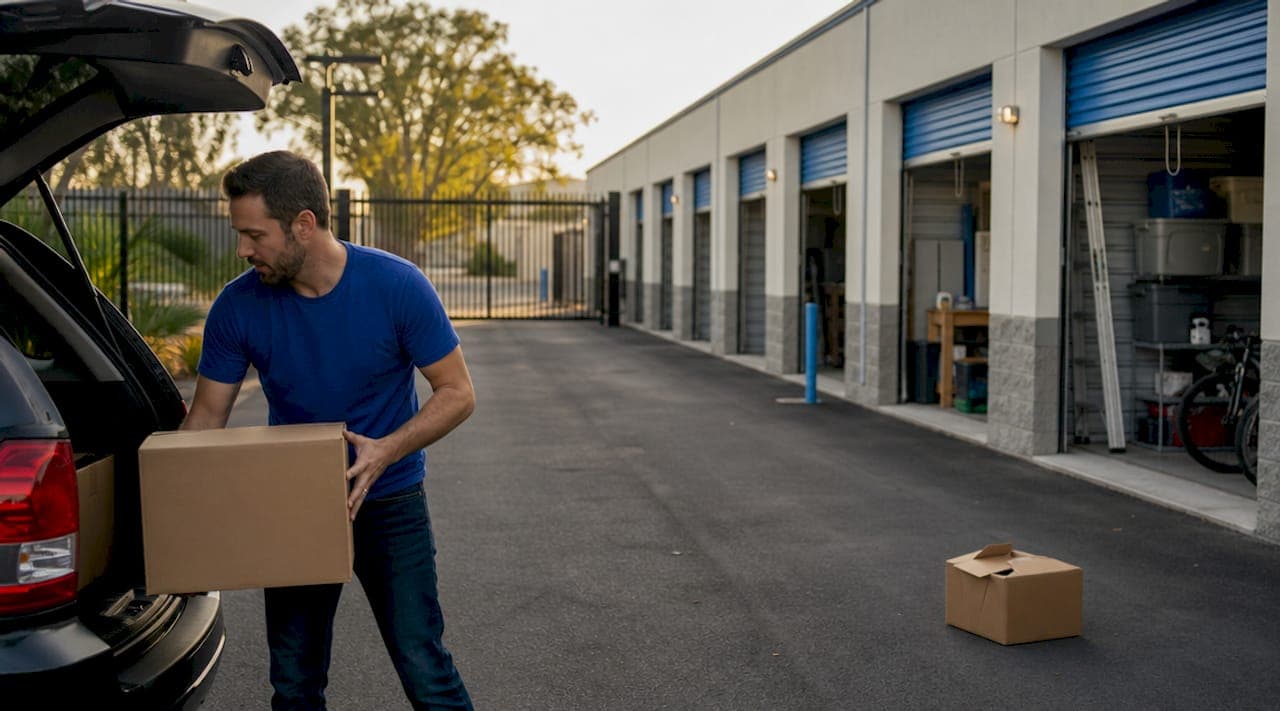
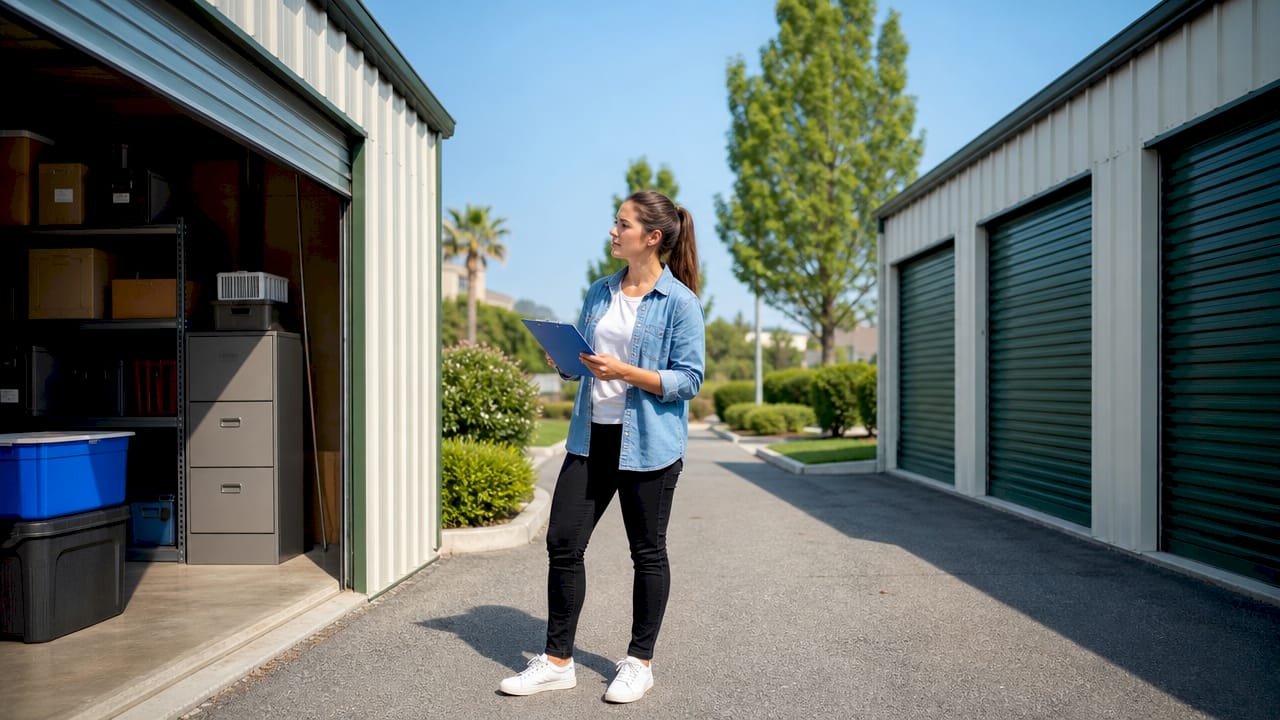
Drive-up units offer ground-level, direct vehicle-to-unit access, making loading and unloading significantly faster than any indoor alternative. You park directly in front of your unit door, much like a garage bay, and transfer items without navigating hallways or elevators. This format is the most popular choice for frequent visitors and anyone moving bulky or heavy items.
Key features of drive-up access include:
- Direct vehicle proximity: Your truck or van parks within feet of the unit door.
- Wide drive aisles: Most facilities design aisles wide enough for moving trucks and trailers.
- Larger unit sizes: Drive-up rows commonly offer 10x20 and 10x30 units that indoor buildings rarely match.
- Flexible gate hours: Many drive-up facilities offer extended or 24/7 gate access because there is no building to secure.
The trade-off is weather exposure. Drive-up units are typically outdoors, meaning your unit door faces the elements. Rain, extreme heat, and humidity affect both the loading process and, over time, items stored near the door. Drive-up units also tend to have lower security ratings than indoor units because they lack the secondary barrier of a building entrance.
Pro Tip: If you use a drive-up unit for business inventory, choose a facility with individual unit alarms in addition to perimeter gate access. Gate entry alone does not protect against someone cutting a lock after hours.
3. Indoor storage access: security and climate control
Indoor storage units are accessed through a facility's main entrance, then through internal corridors, stairwells, or elevators to reach the unit. Indoor units excel for weather protection and enhanced security because every visitor must pass through at least two controlled entry points before reaching any unit.
The benefits of indoor access are substantial for the right use case:
- Climate regulation: Indoor buildings maintain more stable temperatures and humidity, protecting electronics, documents, artwork, and furniture.
- Multi-layer security: Building entry requires a separate credential from the gate, adding a second barrier.
- Reduced theft exposure: Units face interior hallways rather than open parking lots.
- Protection from the elements: Loading and unloading happens inside, shielded from rain and wind.
The practical limitations matter, though. Elevator access is required for upper-floor units, which slows down large moves. Building hours are often shorter than gate hours, meaning a facility advertising 24/7 access may lock its building doors at 10 p.m. Always confirm building hours separately from gate hours.
Pro Tip: Before renting an indoor unit above the ground floor, ask specifically whether the elevator is accessible during all advertised access hours. Some facilities restrict elevator use after a certain time for security reasons.
4. Smart and digital self storage access methods explained
24/7 digital access uses mobile apps and unique PINs to replace physical keys, improving security through individual audit logs that record every entry and exit. This is the fastest-growing segment of storage access technology in 2026, and it changes the tenant experience fundamentally. Instead of a shared keypad code, every tenant has a unique credential tied to their account.
Modern smart access systems operate on multiple layers:
- Perimeter gate: Opened via mobile app, Bluetooth, or unique PIN.
- Building entrance: A second credential check, often a key fob or app tap.
- Unit-level smart lock: Products like Noke and BearBox offer Bluetooth app control with full audit trails at the individual unit door.
- Guest access: Tenants can issue time-limited permissions to movers or family members without sharing their own credentials.
- Remote revocation: Permissions can be canceled instantly from a phone, with no physical key to retrieve.
"Keypad-only or shared-code access scales poorly for security compared to individualized app or PIN systems with audit logging. Shared codes can be passed around, making accountability difficult." — Smart Access for Self-Storage Units in 2026
The challenge with digital access is smartphone dependency. If your phone battery dies or you lose signal, entry depends on whether the facility has a backup PIN option or on-site staff. Always ask what the fallback procedure is before relying on app-only access.
Smart locks also differ in scope. Some cover only the perimeter gate while others extend to individual unit doors with remote management. A facility that advertises "smart access" may mean only the front gate. Confirm exactly which doors and locks are covered by the digital system.
5. Comparison of top self storage access options
Choosing between access types requires weighing convenience, security, cost, and your specific storage habits. The table below compares the three primary self storage access methods across the criteria that matter most.
| Criteria | Drive-up access | Indoor access | Smart digital access |
|---|---|---|---|
| Vehicle proximity | Directly at unit door | Lobby only | Varies by facility |
| Weather protection | Low | High | High (indoor) |
| Security level | Moderate | High | Highest |
| Access hours | Often 24/7 gate | Building hours may be limited | 24/7 with app |
| Audit trail | Rarely | Sometimes | Standard feature |
| Guest access | Not available | Not available | Time-limited permissions |
| Best for | Frequent access, bulky items | Sensitive items, climate needs | Businesses, high-value goods |
Advertised 24-hour access can vary, applying only to the gate or specific units, with conditions like extra fees or approvals often attached. This distinction separates facilities that genuinely offer around-the-clock access from those that technically qualify the claim with fine print. Business users, in particular, should treat any "24/7 access" claim as a starting point for questions rather than a confirmed feature.
Cost generally follows security. Drive-up units are the most affordable per square foot. Indoor climate-controlled units carry a premium of 20 to 40 percent in most markets. Smart access systems add operational value for facilities and are increasingly included in standard pricing rather than charged as an add-on.
6. How to choose the right storage access for your needs
Selecting the right access type starts with two questions: how often will you visit, and what are you storing? Frequent visitors who need quick in-and-out access favor drive-up units. Renters storing irreplaceable or temperature-sensitive items should prioritize indoor climate-controlled access. Businesses managing inventory, documents, or equipment that multiple people need to reach should look specifically for smart digital access with audit logging.
When evaluating any facility, verify these specifics before signing:
- Exact gate hours vs. building hours: Confirm both in writing. Gate and building hours often differ, and the gap can be significant.
- Access control technology: Ask whether entry uses shared codes or individual credentials.
- Backup access procedures: What happens if the app fails or you forget your PIN?
- Guest access policies: Can you authorize a mover or employee to enter without you present?
- Payment-related lockout: Ask explicitly whether a late payment triggers an automatic access suspension and how quickly it is restored after payment.
Integrated software that syncs tenant access credentials with billing and account status automates permission updates and lock overrides, which improves operational efficiency for businesses managing move-ins, payments, and guest access. For business renters, this means a missed payment can trigger an automatic lockout without any human intervention. Knowing this policy in advance prevents operational disruptions.
Pro Tip: Business users should ask for a written access policy document, not just a verbal summary. Facilities with smart access systems should be able to provide a one-page summary of what triggers lockouts, how guest access works, and what the audit log covers.
Key takeaways
The right self storage access type depends on matching your visit frequency, item sensitivity, and security requirements to the specific entry method and hours a facility actually provides.
| Point | Details |
|---|---|
| Drive-up suits frequent access | Direct vehicle-to-unit entry is fastest for bulky items and regular visits. |
| Indoor access adds security layers | Building entry plus corridor access protects sensitive and climate-sensitive items. |
| Smart digital access leads on accountability | Individual credentials and audit trails make smart systems the strongest security option. |
| Verify hours at every level | Gate hours, building hours, and unit access hours can all differ at the same facility. |
| Business users need audit trails | Shared keypad codes cannot support dispute resolution; individual credentials can. |
The access gap most renters never think to ask about
After working with storage operators across dozens of markets, the single most consistent source of tenant frustration is not price or unit size. It is access hours that do not match what was advertised. A facility can honestly claim "24/7 access" and still lock its building at 10 p.m. The gate is open. The building is not. That distinction costs tenants real time and, for businesses, real money.
What I find genuinely interesting about the shift toward smart digital access is that it solves two problems at once. For tenants, it delivers actual flexibility. For operators, it creates an audit trail that resolves disputes cleanly. A shared keypad code is essentially unaccountable. When something goes wrong, nobody can prove who entered and when. Individual credentials tied to a log change that entirely.
The challenge I see operators underestimate is the backup access problem. A facility that goes fully app-based without a reliable PIN fallback creates a new failure point. Smartphones die. Apps crash. A tenant locked out at 7 a.m. because their phone battery is dead is not a happy tenant, regardless of how sophisticated the system is. The best facilities I have seen pair app access with a backup PIN and on-site support during business hours.
My honest recommendation: if you are a business renter, do not accept a facility that cannot show you what its audit log looks like. Ask to see a sample. If the facility cannot produce one, the access system is not sophisticated enough to protect your interests.
— Mike
How Corvane Systems helps storage facilities get found and trusted

Storage renters increasingly use AI tools like ChatGPT and Perplexity to find facilities before they ever visit a website. If your facility is not visible in those answers, you are losing bookings to competitors who are. Corvane Systems is an SEO and AI search visibility agency built specifically for self-storage operators. We publish 30 keyword-optimized articles monthly, optimize your Google Business Profile, and structure your digital presence so AI systems recognize and recommend your facility. When a potential tenant searches "storage near me" or asks an AI assistant which facility to trust, Corvane puts your name in the answer.
FAQ
What are the main types of self storage access options?
The three primary self storage access methods are drive-up outdoor access, indoor corridor access, and smart digital access using mobile apps or unique PINs. Each type differs in convenience, security level, and suitability for different storage needs.
Does 24/7 storage access mean I can reach my unit at any time?
Not always. Advertised 24/7 access often applies only to the perimeter gate, while building doors and elevators may close earlier. Always confirm building hours separately from gate hours before renting.
What is the most secure self storage entry type?
Smart digital access with individual credentials and unit-level audit trails is the most secure option. Shared keypad codes are the weakest because they can be passed to unauthorized users with no accountability.
Can I give someone else access to my storage unit?
Smart access systems support temporary guest access with time-limited permissions that can be revoked instantly. Traditional drive-up and indoor units typically require you to be present or to share your physical key or code.
How does billing affect my storage unit access?
Facilities using integrated software automatically suspend access when a payment lapses, with no manual step required. Ask your facility for the exact lockout policy and how quickly access is restored after a payment is processed.