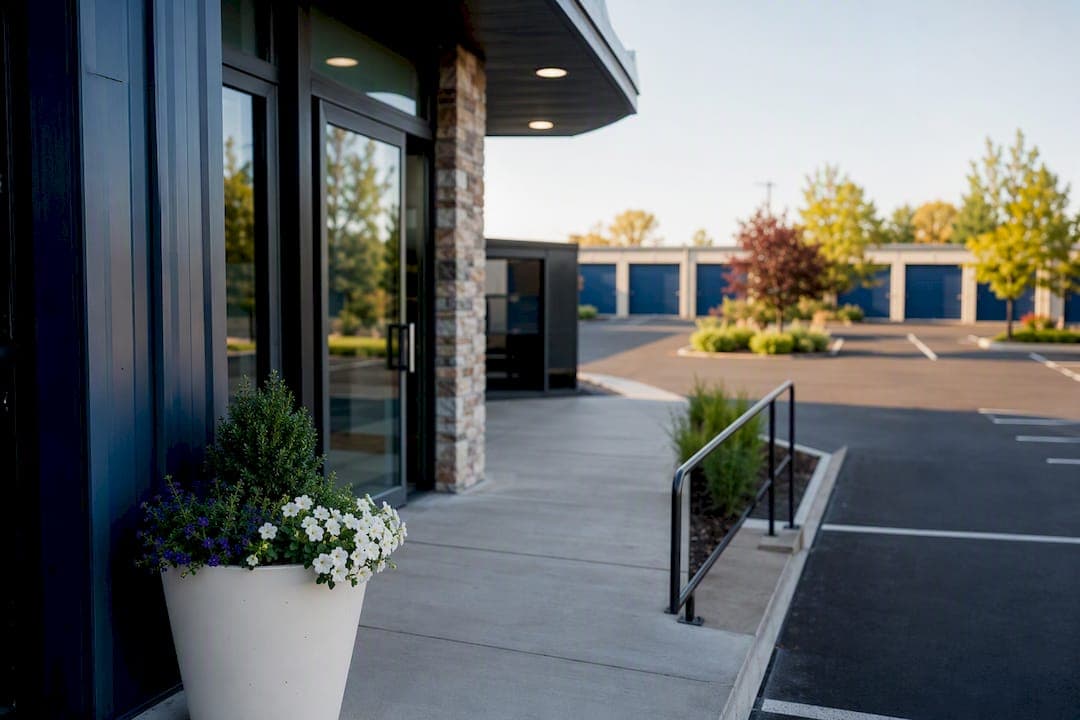
Write alt text for every meaningful image on your storage website, keep it under 125 characters, describe what the image does on that specific page, and store it in your CMS's native alt attribute field, never in the filename or a caption widget. Assign one person, usually whoever manages your website content, to own this.
Start here today:
- Audit your homepage and top 5 unit pages for missing or generic alt text ("IMG_4021.jpg" is not alt text).
- Rewrite the 3 highest-traffic images first: your exterior shot, your gated entry photo, and your most-booked unit type.
- Add an alt text field check to your CMS publishing checklist so no new image goes live without one.
Prioritize these image types first: exterior signage, unit interiors, gated entry points, and security cameras.
Key Takeaways
Alt text works for self-storage sites when it's short, page-specific, and stored in your CMS's native alt field rather than scattered across filenames and captions.
| Point | Details |
|---|---|
| One-sentence rule | Describe what the image does on that page, keep it under 125 characters, and skip "image of." |
| Prioritize four image types | Fix exterior, unit interior, gated entry, and signage alt text before anything else. |
| Use empty alt for decorative images | Apply alt="" to purely visual elements so screen readers skip them. |
| Complex images need more | Pair a short alt label with a linked HTML table for floorplans, maps, and pricing charts. |
| Corvanesystems handles it end to end | Corvanesystems audits, prioritizes, and maintains alt text as part of its flat-rate SEO and AI visibility service for storage operators. |
Table of Contents
- Why Image Alt Text Storage Matters for Self-Storage Sites
- Rules and Templates for Writing Alt Text
- Sample Alt Text for Common Storage Photos
- Handling Maps, Floorplans, and Comparison Charts
- Keeping Alt Text Accurate Over Time
- How Corvane Systems Handles Alt Text for Storage Clients
- Let Corvane Systems Handle the Audit for You
- Sources
Why Image Alt Text Storage Matters for Self-Storage Sites
Alt text does two jobs at once: it makes your site usable for people with screen readers, and it tells Google what your images actually show. For a storage facility, that second job is bigger than most operators realize. When a prospective tenant searches "climate controlled storage near me," search engines lean on structured signals, including image alt text, to confirm that your facility actually offers what the query implies. A generic or missing description is a missed opportunity to reinforce that match.
The compliance side isn't optional guidance, either. WCAG 2.1 Level AA and Section 508 both treat meaningful alt text as a baseline requirement, not a nice-to-have, and storage websites have been named directly in ADA-related complaints tied to inaccessible site elements.
Beyond compliance, there's a real operational payoff:
- Clearer alt text on unit photos reduces confusion calls asking "does that unit have drive-up access?"
- Screen reader users can actually navigate your booking flow instead of abandoning it.
- Search engines index facility-specific attributes (climate control, drive-up, gated access) more reliably when images reinforce the surrounding text.
Pro Tip: If you only fix one thing this quarter, fix the alt text on your gated-entry and security-camera photos. Those images carry both trust signals for renters and accessibility weight for screen reader users evaluating whether your facility is safe.
Rules and Templates for Writing Alt Text
Good alt text follows a short set of rules, and most storage sites break at least two of them without realizing it.
The non-negotiables:
- Every meaningful image gets an alt attribute. No exceptions for "it's obvious from context."
- Purely decorative images (background textures, stock border graphics) get an empty alt attribute,
alt="", so screen readers skip them instead of announcing something useless. - Keep it concise. Practical guidance recommends keeping alt text concise, typically around one short sentence(https://itservices.ggc.edu/blog/2026/02/11/accessibility-tips-dos-and-donts-for-alternative-text/), roughly one short sentence.
- Never start with "image of" or "picture of." Screen readers already announce it's an image.
- Never repeat text that's already visible next to the image on the page.
- Never stuff keywords. Filenames and alt text should describe the image naturally, not chase every city name you serve.
The rule that trips up most teams is context-first writing: describe what the image does on that page, not just what it shows. A photo of your building's exterior serves a different purpose on your Contact page (helping someone recognize your entrance while driving) than on your Security page (proving your perimeter fencing exists).
Copy-and-edit templates:
- Exterior: "[Facility Name] storage building exterior with street-facing signage"
- Unit interior: "Empty 10x10 storage unit with concrete floor and pull-down door"
- Drive-up unit: "Drive-up storage unit with vehicle parked at open bay door"
- Gated entry: "Keypad-controlled gate at [Facility Name] storage entrance"
- Security camera: "Security camera mounted above unit row for perimeter monitoring"
- Climate-controlled unit: "Climate-controlled unit interior with visible HVAC vent"
- Moving supplies: "Furniture dollies and moving carts available for tenant use"
- Staff: "[Name], facility manager, at the [Facility Name] front desk"
Store the final text in your CMS's dedicated alt field, not stitched into a caption or the filename. Name the image file something readable (10x10-unit-interior.jpg), but don't cram the full sentence into it. That's what the alt field is for.
Sample Alt Text for Common Storage Photos
These pairs cover the images that show up on nearly every storage website. Adjust the facility name and unit specifics, but the structure works as-is.
Exterior, Contact page: "[Facility Name] main entrance with visible street address sign." This version orients someone trying to find you in person.
Exterior, Security page: "Fenced storage facility perimeter with gated vehicle entrance." Same building, different job: proving the security setup.
Office entrance: "Glass front door of [Facility Name] rental office with hours posted." Helps both navigation and screen-reader users confirm they've found the right door.
Small unit interior (5x5): "Empty 5x5 storage unit, suitable for boxes and small furniture." Pairs the visual with the practical use case a renter is trying to confirm.
Medium unit interior (10x10): "10x10 storage unit interior with 8-foot ceiling clearance." Ceiling height is a detail renters specifically search for and often can't tell from a thumbnail.
Large unit (10x20): "10x20 drive-up unit, fits contents of a 2-bedroom apartment." Translating square footage into a relatable comparison helps both SEO relevance and real understanding.
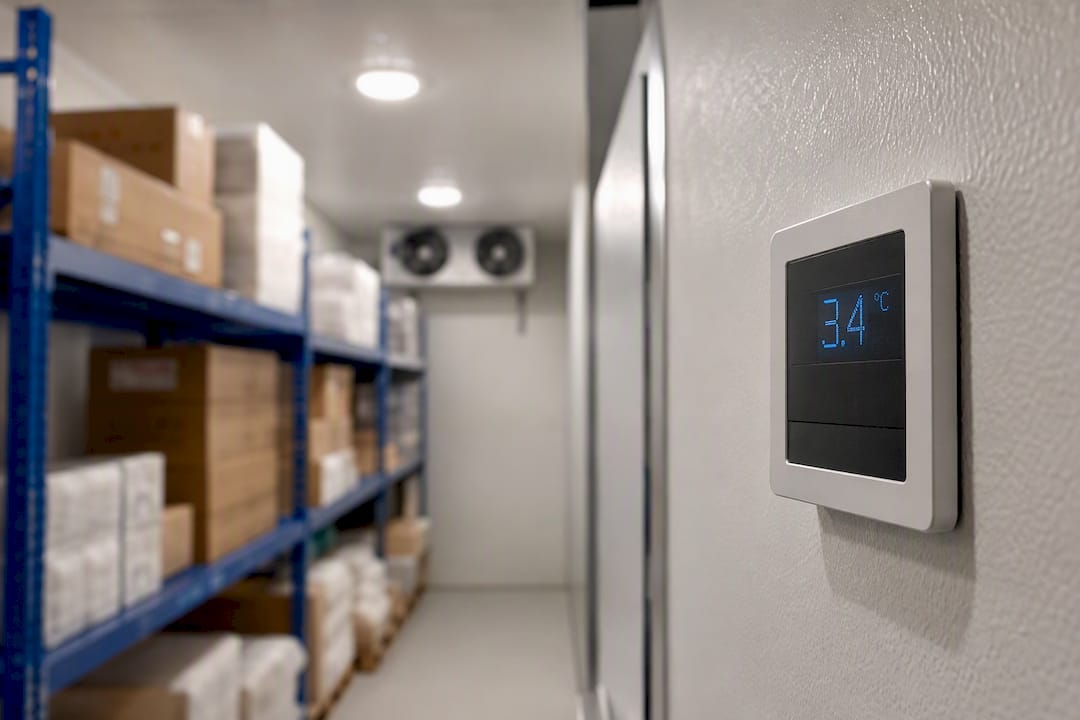
Climate-controlled unit: "Climate-controlled unit interior with visible thermostat display." Confirms the feature is real, not just a marketing claim.
Keypad entry, Unit detail page: "Digital keypad at gated entrance for 24-hour tenant access." Highlights the access feature relevant to that specific unit listing.
Signage: "Illuminated street-facing sign for [Facility Name] self storage." Useful for local pack visibility and for drivers trying to spot your location.
Staff portrait: "Facility manager [Name] assisting a customer at the counter." Humanizes the page without leaning on stock-photo language.
Handling Maps, Floorplans, and Comparison Charts
Some images carry too much information for a short alt attribute to cover. If an image shows unit pricing, dimensions across multiple sizes, or a multi-location map, a one-line description won't do the job, and W3C guidance recommends a short label paired with a longer linked description instead of stretching the alt text itself.
- Identify complex images first: floorplans with unit counts and pricing, multi-facility maps, and unit-size comparison charts all qualify.
- Write a short alt that states the image's purpose ("Unit size and pricing comparison chart") rather than trying to summarize every data point.
- Build the real content as an accessible HTML table near the image, not as another image. This lets screen readers and search engines actually read the pricing and dimensions.
- Include in the description: unit sizes, dimensions, monthly rate, and any legend or symbol key used in the original graphic.
Keeping Alt Text Accurate Over Time
Alt text rots fast when signage changes, units get renovated, or a new photo replaces an old one without a new description attached.
- Run a monthly image audit on your homepage, contact page, and top five unit pages.
- Do a quarterly full-site review, checking any charts, floorplans, or comparison graphics for outdated pricing or dimensions.
- Test with a screen reader at least twice a year: NVDA on Windows, VoiceOver on iOS, reading through your booking flow start to finish.
- Flag urgent fixes immediately, broken images, changed gate codes shown in photos, or replaced signage, rather than waiting for the next scheduled audit.
Pro Tip: Build the alt text check into your CMS approval workflow itself. If a new image can't go live without someone filling in the alt field, you never end up with a backlog of untagged photos six months later.
How Corvane Systems Handles Alt Text for Storage Clients
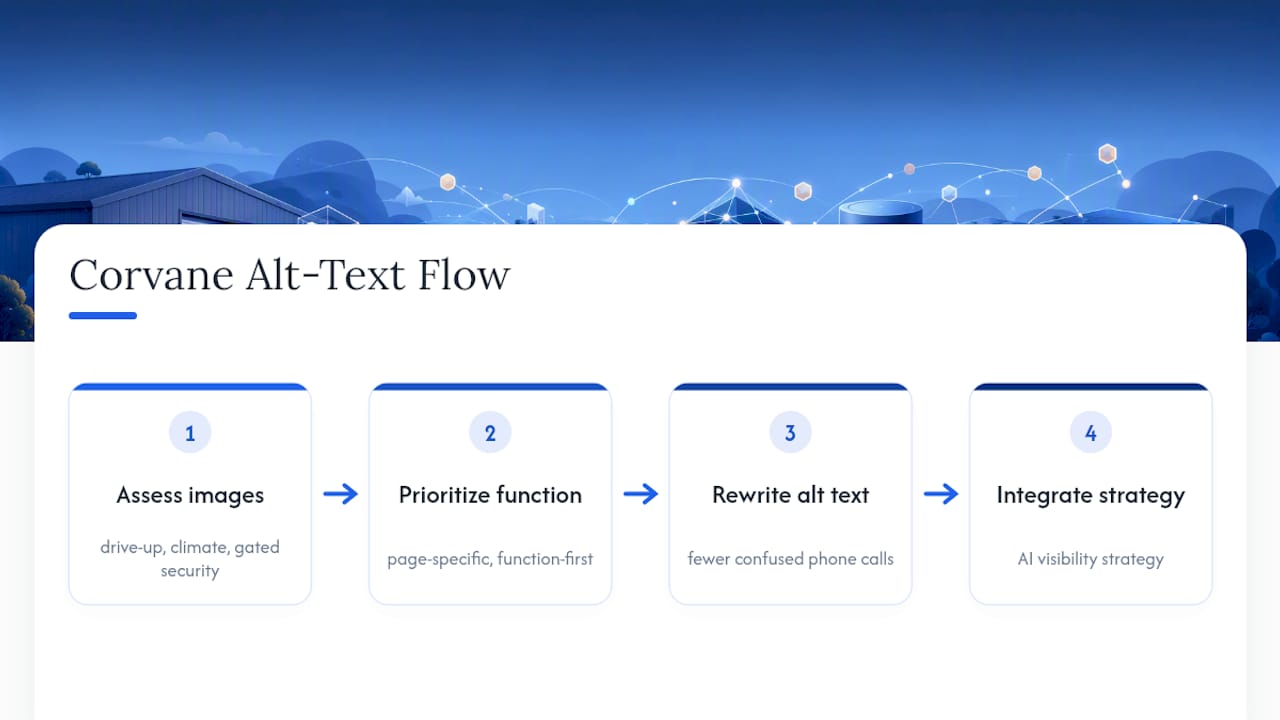
At Corvanesystems, we treat alt text as a local SEO lever first and an accessibility checkbox second, because for storage operators, the two goals point in the same direction. Every image gets evaluated for whether it reinforces a facility-specific search signal, drive-up access, climate control, gated security, before we worry about polish.
We've seen this play out in a straightforward way: a facility that rewrote alt text on its unit and gate photos with page-specific, function-first descriptions saw fewer confused phone calls about access hours and stronger placement for long-tail "storage near me" queries within a couple of months. That's not a fluke. Search engines reward specificity, and renters reward clarity.
This work doesn't sit in isolation. It's part of the broader AI visibility strategy we build for storage operators, structured content that both traditional search engines and AI tools like ChatGPT and Perplexity can parse and recommend confidently.
Let Corvane Systems Handle the Audit for You
Corvanesystems is the alternative to hiring a generalist web agency for storage-specific accessibility and SEO work; you get an audit built around unit types, gated access, and local search intent, not a generic checklist. If you'd rather not spend a Saturday rewriting alt text across 40 unit pages, we'll run the audit, prioritize the fixes that matter most for occupancy, and check the results monthly as part of our flat-rate service.

Here's what that looks like in practice: we scan your site for missing or weak alt text, flag the highest-impact pages first (usually your exterior, gate, and top unit listings), and hand you a prioritized fix list, or implement it directly if you're already a client. Most audits turn around within a few business days.
Ready to see where your facility's images stand? Visit Corvane Systems to request an AI visibility and SEO audit built specifically for storage operators.
Sources
- W3C Techniques for providing useful text alternatives
- Building a self-storage website that complies with the ADA | Inside Self Storage
This article is general information, not a substitute for advice from a qualified lawyer. Consult a qualified legal professional about your own circumstances before acting on anything here.