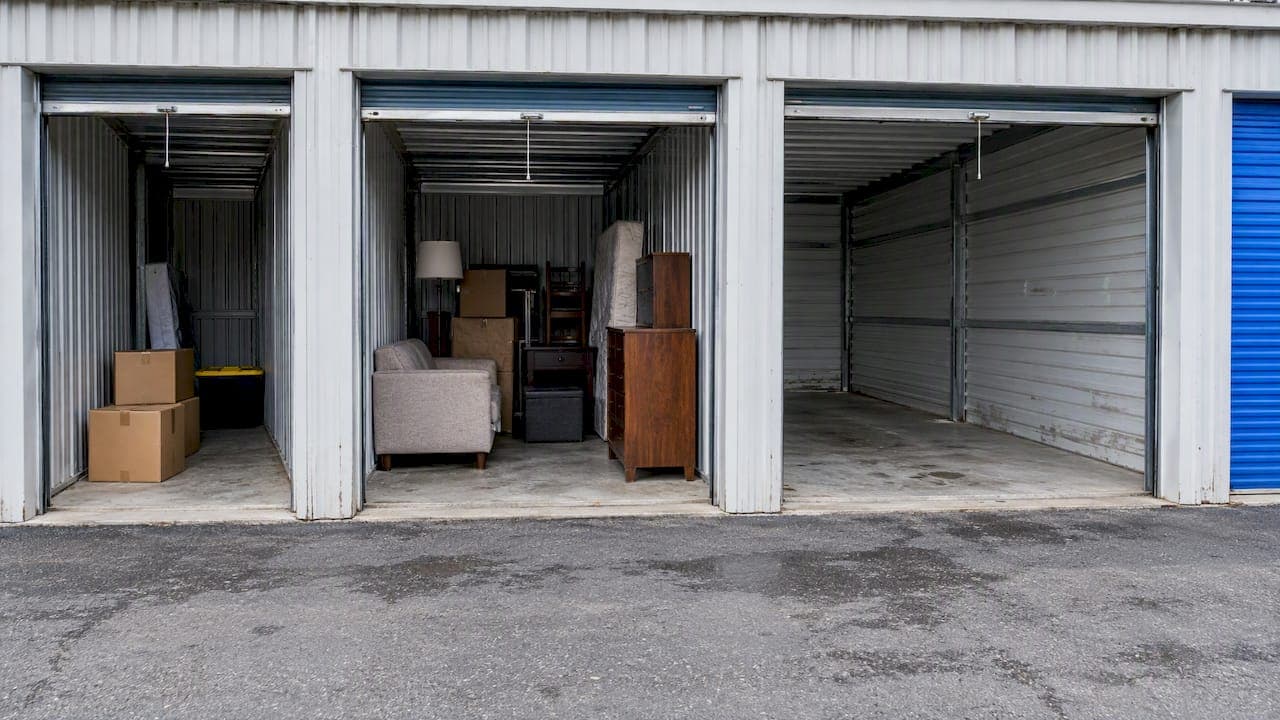
Convert your facility photos to WebP, serve them in multiple responsive sizes, write metadata that reflects what renters actually search for, and mark up your gallery with SelfStorage and ImageObject JSON-LD. Those four moves address the technical and semantic gaps that keep otherwise good storage sites out of image search, map-pack results, and AI-generated answers.
TL;DR:
- WebP typically cuts image files by 25% to 35%; JPEG fallbacks preserve compatibility, while responsive sizes prevent mobile visitors from downloading oversized desktop images.
- Create three to five sizes per key photo, then use srcset and sizes so browsers select the smallest file that remains sharp on each screen.
- Pair each facility's SelfStorage markup with ImageObject entries, and keep captions and descriptions consistent with visible text without copying alt text verbatim.
- Photograph actual entrances, unit types, security features, and loading areas; captions that name unit size and access type match renters’ specific searches.
- Record Lighthouse scores, Largest Contentful Paint, and image payload before changes, then compare audits and track map rankings, organic visits, and bookings.
Table of Contents
- Quick Checklist Before You Touch Anything Else
- Why WebP and Responsive Images Matter for Load Speed
- Structured Data That Tells Search Engines What's in Your Photos
- What to Photograph and How to Caption It
- Tools and Workflow for Teams Without a Dev Team
- Verifying the Work Actually Moved the Needle
- Why Image Work Keeps Getting Skipped at Storage Facilities
- How Corvane Systems Handles Image SEO at Scale
- FAQ
- Sources
Quick Checklist Before You Touch Anything Else
Before diving into servers and build pipelines, run through a short list of fixes that take a single afternoon and usually produce a visible jump in page speed scores.
- Convert your hero and gallery images to WebP, keeping a JPEG fallback for older browsers.
- Create three to five responsive sizes per key photo and wire them up with
srcsetandsizes. - Rename image files and rewrite alt text and captions so they contain real unit-type phrases like "10x10 drive-up unit."
- Add SelfStorage and ImageObject JSON-LD entries that point to your facility photos.
- Run a Lighthouse audit and fix anything flagged under "Properly sized images" or "Serve images in next-gen formats."
Once these are done, the deeper technical work in the next section builds on a clean foundation instead of patching around old habits.
Why WebP and Responsive Images Matter for Load Speed
Most storage sites serve one oversized JPEG to every visitor, whether they're on a desktop monitor or a cracked phone screen in a parking lot. That single habit does more damage to Largest Contentful Paint than almost anything else on a facility website.
Switching to WebP typically cuts file size by 25 to 35% compared with JPEG or PNG at similar quality, which translates directly into faster paint times on unit photos and gallery thumbnails. Browsers that don't support WebP can fall back to a JPEG source using the <picture> element, so compatibility isn't a real obstacle anymore.
Responsive delivery solves a separate problem: image size relative to screen size. Authoring three to five candidate sizes in a srcset attribute, paired with a sizes attribute describing layout width, lets the browser pick the smallest file that still looks sharp on that device. Serving a desktop-sized image to a mobile visitor can use two to four times more data than necessary, which slows load time and can push LCP past the threshold search engines reward.
On servers: Image CDNs like Cloudinary handle resizing and format conversion on the fly, which suits teams without engineering resources. Build-step tools like cwebp or the Imagemin WebP plugin work better for teams that already have a deployment pipeline and want conversion baked into every push.
Statistic to watch: WebP's 25 to 35% file-size reduction compounds with responsive sizing, so a facility gallery that once loaded five megabytes of images can often drop well under two.

After rollout, rerun Lighthouse and record LCP alongside the "Serve images in next-gen formats" result. That before-and-after pair is the cleanest way to prove the work mattered.
Structured Data That Tells Search Engines What's in Your Photos
Fast images only help if search engines and AI systems understand what they're looking at. Schema.org's SelfStorage type includes photo, image, and logo properties that explicitly tie image files to a facility's identity rather than leaving them as anonymous gallery assets. Pairing SelfStorage with ImageObject lets you attach a caption, description, and content URL to each photo, which is the same structured signal large language models rely on when assembling an AI Overview or chat answer about storage options nearby.
| Property | Where it lives | What it does |
|---|---|---|
photo / image | SelfStorage entity | Links a specific image file to the facility record |
contentUrl | ImageObject | Points to the actual image file |
caption | ImageObject | Short description matching on-page caption text |
description | ImageObject | Longer context, useful for unit type or amenity detail |
A minimal rollout looks like a SelfStorage block with a photo array of ImageObject entries, each carrying its own caption describing the unit type or feature shown. The caption and description fields should echo, not duplicate verbatim, the alt text and on-page captions already in your HTML. That redundancy across formats reinforces the same facts for crawlers that read markup differently.
For multi-location operators, generating this JSON-LD programmatically from your gallery CMS keeps every location's markup synchronized with whatever photos are live on the page, which matters more as facility counts grow. Our breakdown of a schema markup rollout walks through the step-by-step version of this for teams implementing it themselves.
What to Photograph and How to Caption It
Generic stock photos of a padlock and a roll-up door tell a search engine nothing about your specific facility, and renters can usually tell the difference anyway.
A prioritized shot list for most facilities:
- Entrance and signage, shot in daylight with the facility name visible.
- Office interior and front desk, showing a staffed, legitimate operation.
- Each unit door type you offer: drive-up, interior roll-up, climate-controlled.
- Hallways and aisles, especially any wide enough for furniture dollies.
- Loading and unloading areas, including covered bays if you have them.
- Security features: cameras, gated access, individual unit alarms.
- Staff on-site, which adds a human trust signal stock photography can't fake.
Alt text and captions should follow a consistent template: unit size, access type, a security or amenity detail, and a short descriptor. "10x15 drive-up unit with individual alarm, ground-floor access" does more work than "storage unit" because it matches the exact phrasing a renter types into a search bar.
Authentic photos consistently outperform stock imagery for trust and conversion, a point industry marketing guidance for storage operators raises directly. Short tour clips, thirty to sixty seconds, placed next to the unit-type photos they correspond to, extend that same trust signal into video.
Pro Tip: Shoot the same unit empty and staged with a few boxes; the staged version answers "will my stuff fit" better than an empty concrete box ever will.

Tools and Workflow for Teams Without a Dev Team
A manageable image pipeline doesn't require hiring an engineer. Batch conversion tools like the Imagemin WebP plugin or cwebp handle format conversion inside a build step, running automatically every time new photos get added.
For resizing and on-the-fly delivery, hosted services like Cloudinary trade a monthly fee for zero infrastructure, while open-source options like Thumbor suit teams willing to self-host in exchange for lower recurring cost.
- Standardize filename conventions across every location: unit-type, access-type, facility-slug.
- Build CMS fields for alt text and captions so every new upload gets a consistent format instead of a one-off guess.
- Push JSON-LD automatically from the same CMS fields that populate your visible captions, so the two never drift apart.
- Run automated crawler checks on a schedule to catch missing alt text or oversized images before they pile up across dozens of pages.
Dedicated crawler tools built for exactly this kind of alt text auditing can flag missing metadata across an entire site template rather than page by page.
Verifying the Work Actually Moved the Needle
Implementation without measurement is a guess dressed up as a project. A compact six-step check keeps the work honest:
- Record baseline Lighthouse scores, LCP, and total image payload before changing anything.
- Implement the WebP conversion, responsive sizing, and JSON-LD changes.
- Rerun Lighthouse and compare the "Serve images in next-gen formats" and "Properly sized images" audits against baseline.
- Crawl the site for remaining missing alt text or unoptimized files.
- Spot-check AI tools like ChatGPT, Perplexity, and Google's AI Overviews for your facility name and key unit-type queries.
- Monitor organic traffic, map-pack rankings, and lead or booking conversions on the updated pages.
Emerging image optimization policies are starting to set byte-per-pixel thresholds directly in browser enforcement, which makes tracking that ratio a useful habit rather than a one-time cleanup. A facility checklist that folds AI visibility spot-checks into routine audits catches drift before it costs rankings.
Why Image Work Keeps Getting Skipped at Storage Facilities
Image SEO gets treated as decoration because it's visual, not technical, but the two are the same problem wearing different clothes. A gallery full of unoptimized, unlabeled stock photos is a facility telling both Google and ChatGPT that it has nothing specific to say about itself.
Operators who fix this tend to see it show up first in map-pack impressions, then in AI answers that name their facility by unit type and access style instead of giving a generic list. The work is unglamorous. It's also one of the few technical fixes an owner without a development team can mostly finish in a week.
— Mike
How Corvane Systems Handles Image SEO at Scale
Running image audits, schema rollouts, and content publishing across even a handful of locations eats time that most storage operators don't have. Our flat-rate system handles the technical and on-page work in this guide, from WebP conversion through SelfStorage JSON-LD, as a standard part of the service rather than a special request.

The service covers technical and on-page SEO, local search positioning, AI-optimized content published monthly, and AI visibility audits across Google and tools like ChatGPT, Claude, and Perplexity, all offered for one flat monthly rate with no contracts. If you want a clear picture of how your facility currently shows up across search and AI before committing to anything, start with our free AI visibility audit and see where the gaps actually are.
FAQ
Does converting images to WebP actually improve search rankings?
WebP itself isn't a ranking factor, but the file-size reduction it provides, typically 25 to 35% smaller than JPEG or PNG, improves page speed metrics like LCP that do factor into search performance. Faster-loading galleries also tend to keep visitors on the page longer, which supports conversion more than rankings directly.
What's the difference between alt text and JSON-LD image properties?
Alt text describes an image for screen readers and search crawlers reading the page HTML directly, while JSON-LD properties like caption and description on an ImageObject give the same information in a structured format that AI systems and rich-result features can parse more reliably. Using both, with consistent wording, reinforces the same facts across two different reading methods.
How many responsive image sizes should a storage facility site use?
Most sites get solid results from three to five size variants per key photo, paired with srcset and sizes attributes so the browser picks the right one automatically. Going beyond five sizes rarely adds measurable benefit and adds unnecessary build complexity.
Do real facility photos matter more than professional stock images?
Yes: authentic, non-stock photography is called out specifically in industry guidance for storage website upgrades as a trust and conversion driver. Renters comparing facilities can usually spot generic stock imagery, and it tells them nothing about the specific unit types or access conditions on-site.
Should image captions mention unit size and access type directly?
Yes, captions and alt text that include specific details like "10x10 climate-controlled unit with interior access" match the way renters actually search, which helps both traditional search matching and AI tools that parse page content for specific attributes. Vague captions like "storage unit" or "our facility" waste an opportunity that costs nothing extra to fill in correctly.