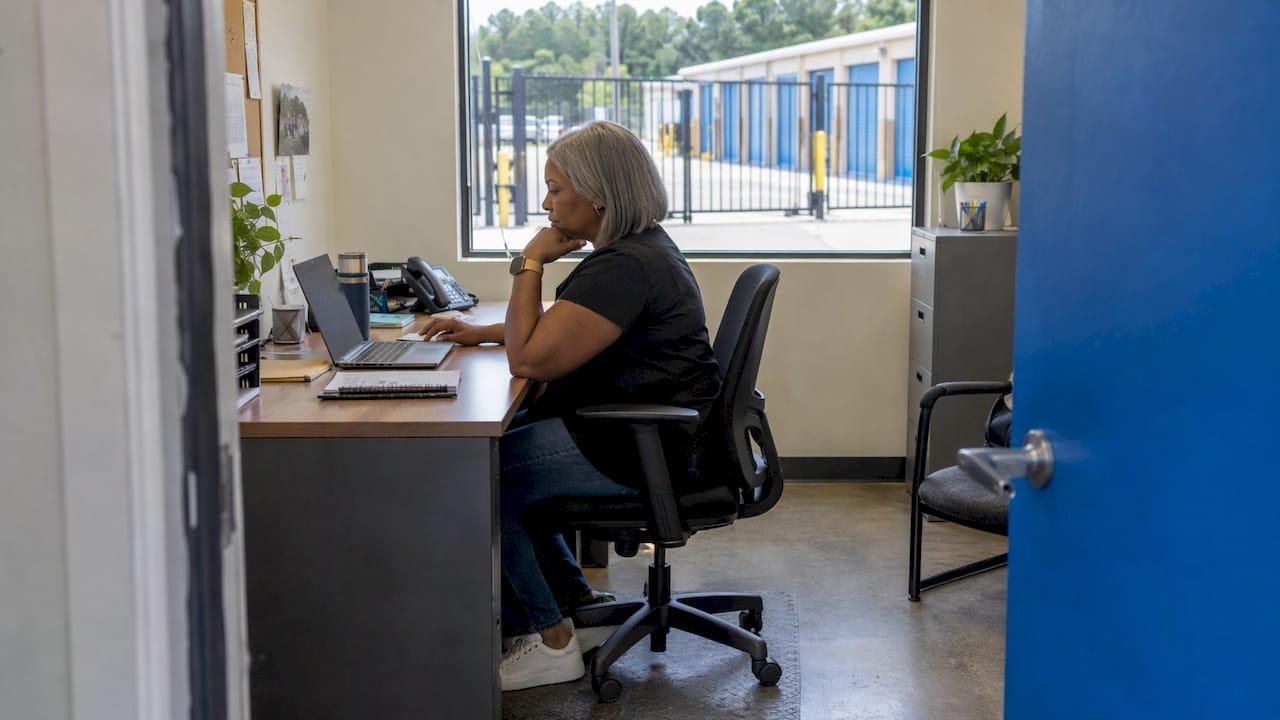
A self-storage facility is a place customers drive to, so in most cases your Google Business Profile should show your street address, and a service area is an add-on that only applies if you also deliver, pick up or visit customers. Google lets you list up to 20 service areas, but only for businesses that go to the customer. If your office and gate are where renters sign, pay and unload, the work that wins nearby searches happens on your address, categories, hours, reviews and website, not in the service area box.
This guide shows you which profile type fits a storage operation, how to add cities and ZIP codes without breaking Google's rules, and how to cover surrounding towns when a service area is not the right tool.
TL;DR
- Google allows service areas only for service-area businesses and hybrid businesses. A staffed storage facility that customers visit normally keeps its address visible.
- You can list up to 20 service areas, as cities, ZIP codes or other named places. A radius in miles is not an option.
- A service area makes sense for a storage operator who offers delivery, pickup or mobile container service on top of the facility.
- Hours for a storage profile should be your office hours, or front gate hours when you have no office hours.
- Nearby towns you cannot list as service areas are best covered with location pages on your website and a clean, verified profile.
Table of Contents
- What a service area is, and which type of business may use one
- The rules that shape your service area list
- How to add or edit service areas, step by step
- Worked example: a hybrid storage operator
- If you do not deliver: how to reach the surrounding towns
- Service areas and ZIP codes: a quick decision guide
- Do service areas improve your local ranking?
- Our perspective
- Get the whole picture handled
- FAQ
- Sources
What a service area is, and which type of business may use one
A service area is the region where a business can provide its products and services. According to Google's service area help page, only two kinds of business may use one:
- Service-area business: it visits or delivers to customers but does not serve them at its business address. A plumber or a mobile locksmith is the classic example.
- Hybrid business: it serves customers at its address and also visits or delivers. A garden center that also delivers is a hybrid.
A storage facility is naturally the second kind of business, when it is any kind of service-area business at all. Renters walk into your office, tour a unit, sign a lease and move in at your address. Google's eligibility guidelines say a business must make in-person contact with customers during its stated hours to qualify for a profile, and that is exactly what a staffed facility does.
So the first decision is not which ZIP codes to list. It is whether you have anything to put in a service area at all.
When a service area applies to storage
A service area belongs on your profile when you offer something that leaves the property:
- Container delivery to a customer's driveway
- Pickup of a customer's belongings for storage
- Moving help or truck delivery that you provide yourself
If you run any of these alongside a staffed facility, you are a hybrid business. Per Google's help page, a hybrid business that serves customers at its address and also visits or delivers can show its storefront address and set a service area. Both appear on the profile.
If you only rent units on site, leave the service area empty and keep the address showing. Google's address guidelines tell businesses that do not serve customers at their address to remove or hide it and list a service area instead. That instruction is for businesses unlike yours. Hiding the address of a facility with a gate and an office would remove the pin renters use to find you.
The rules that shape your service area list
The rules are short, and each one changes how you pick places.
| Rule | What it means for you |
|---|---|
| Up to 20 service areas | Choose places with intent. Twenty slots go quickly in a metro area. |
| Named places only | Cities, ZIP codes or other areas. You cannot draw a radius or type "within 10 miles." |
| Roughly 2 hours of driving | The overall area should not extend more than about 2 hours of driving time from where your business is based. |
| One profile for the area | A service-area business can have only one profile for the whole area it serves. |
| Separate locations | Businesses with separate locations, staff and service areas can have one profile per location. |
The first three come from the service area help page. The last two come from Google's representation guidelines, which also say a service-area business cannot list a virtual office unless it is staffed during business hours.
For a multi-facility operator, that last point matters. Each facility with its own staff and its own territory can have its own profile. Do not build one profile for the whole company and a long service area list to stand in for the rest.
How to add or edit service areas, step by step
Here is the path Google documents, with the places owners usually go wrong.
- Open your Business Profile. Sign in with the account that manages the listing. If you cannot see edit options, the profile may not be verified yet. Our guide to verifying your profile covers that step.
- Select Edit profile, then Location. The service area setting sits with the address settings.
- Next to "Service area," select Edit. Google may suggest areas near your business.
- Pick a suggestion or type a place. You can enter cities, postal codes (ZIP codes in the US) or other areas, up to 20 in total.
- Save. Approved edits can take up to 48 hours to show.
To remove an area, use the same path and delete it from the "Selected service areas" list.
Where it goes wrong
Treating the list as a radius. Owners think in miles: "our renters come from 10 miles out." Google wants named places. Start from where your move-ins really live. Your management software's tenant ZIP report is the best source, because it shows where leases come from, not where you hope they come from.
Spending slots on ZIP codes when a city covers the same ground. A ZIP code is precise but small. A city name covers several ZIP codes in one slot. Use cities for towns where you want broad coverage and ZIP codes where a city name would mislead, for example a ZIP code that straddles two municipalities, or a neighborhood that renters know by a different name than the postal city.
Stretching past the drive-time limit. Listing places far beyond about two hours of driving contradicts Google's guidance and can put the listing at risk. For a storage business offering delivery, the honest delivery radius is nearly always much smaller anyway.
Listing places you do not serve. Every entry should be somewhere you actually deliver or pick up. A service area is a statement that you can come to that location, and Google's profile help describes it as a way to help people know whether you can visit or deliver to their location.
Hiding the address by accident. When you switch off the address display and enter no service area, Google picks a local area for you, which you can edit later. Check the saved profile after any location change and confirm that your street address still shows.

Worked example: a hybrid storage operator
Take a facility in a mid-size metro with a staffed office, a gate and 400 units. It also offers delivery of portable storage containers to homes in four nearby towns.
- Address: stays visible. Renters tour units and sign leases on site.
- Service area: the four towns where containers are delivered, as city names, plus two ZIP codes in a neighboring suburb that has a confusing postal city name. That is six of the 20 slots, and each one is a place the operator actually delivers to.
- Hours: office hours, or front gate hours if there are no office hours. Google's representation guidelines make this storage-specific rule explicit.
- Website: a page for each delivery town explaining delivery logistics, so a renter in those towns sees the same promise on the site that the profile makes.
Now take a facility with no delivery of any kind. Its service area stays empty, and its energy goes into everything else on the profile.
If you do not deliver: how to reach the surrounding towns
Many operators ask about service areas because they want to show up for "storage near me" searches from neighboring towns. If you are not a hybrid business, a service area is not available to you for this purpose, and trying to fake one by hiding your address or opening extra listings invites trouble. These are the levers that remain.
Get the profile fundamentals right
The profile itself carries most of the weight. That means:
- A consistent business name, address and phone number between your profile, your website and directories
- The right primary category and secondary categories
- Accurate office or gate hours, as noted above
- Photos, products and a steady flow of review responses
- A full profile audit when something looks off
If you want a quick view of how your listing and nearby competitors appear in map data, Google Maps local business data tools can pull that information into a report.
Build location pages on your site
Your website can talk about every town you draw renters from, with no 20-slot cap. A page for each town should be built around what a renter there needs: drive time to your facility, the route in, gate hours, unit sizes and move-in steps. Our article on service area pages for storage goes through how to put logistics first so the page converts rather than just ranks.
Write these pages so each one is genuinely different. A page that swaps only the town name looks like what it is, and gives a renter and a search engine nothing new.
Keep one clean listing per facility
Duplicate listings split your reviews and confuse Google about which profile is real. If you moved, rebranded or acquired a facility, work through the three checks for duplicate listings. If your address changed, follow the address change process so the profile, website and directories agree.
Read your insights by area
Once your profile is clean, watch where the searches and calls come from. Profile insights show which searches lead to calls, direction requests and website clicks. If a town you ignored sends steady direction requests, it deserves a location page. If a town you listed sends nothing, replace it with one that does.
Service areas and ZIP codes: a quick decision guide
| Your situation | Address | Service area |
|---|---|---|
| Staffed facility, renters come to you, no delivery | Show it | Leave empty |
| Staffed facility plus container delivery or pickup | Show it | Add the places you deliver to, up to 20 |
| Multiple facilities with separate staff | One profile per facility | Each profile lists its own delivery places, if any |
| Unstaffed office, virtual office or mailbox | Not eligible as a location | Not a fix |
Google's eligibility rules list virtual offices that are not staffed, P.O. boxes and remote mailboxes among the addresses that do not qualify for a profile, so a service area cannot rescue a location that fails those tests.
Do service areas improve your local ranking?
Google says a listed service area helps people know whether you can visit or deliver to their location. That is a statement about eligibility and clarity, not a promise of rankings across the whole region. For a storage operator, the practical reading is simple: a service area tells a searcher where your delivery works, while your address and the profile's strength decide how you appear for nearby searches.
That is why we treat the service area as one setting inside a larger job. Our near me optimization guide and our 10-point Maps ranking checklist cover the rest.
Our perspective
Most storage owners who ask us about service areas are really asking a different question: how do I get found in the next town over? The service area box feels like the answer because it looks like a dial you can turn. For a facility that renters visit, it usually is not that dial.
We built Corvane exclusively for self-storage, and our system treats Google and AI search as one job. The same facts that make your profile correct, such as your address, your gate hours, the right categories and what you offer, are the facts that AI tools like ChatGPT, Claude, Perplexity and Google's AI Overviews use to decide whether to recommend you. A profile that is accurate and consistent is easier for search engines and AI systems to understand.
That is why our service combines local search positioning, including Google Business Profile optimization and competitor tracking, with AI-optimized content and AI visibility audits. Your service area setting is one line in a profile. Reaching more renters takes the whole picture working together, and we keep it on one flat monthly rate with no contracts.
Mike
Get the whole picture handled
If your profile settings, your location pages and your AI visibility all need attention, the full Corvane system covers them for self-storage operators in one service. It includes technical and on-page SEO, local search positioning with Google Business Profile optimization, 30 keyword-optimized articles published monthly, AI visibility audits across ChatGPT, Claude, Perplexity, Google AI and llms.txt, and monthly performance reporting. It is $299 per month with a one-time onboarding fee of $50, and there are no tiers, contracts or minimums.
Want to see where you stand first? Start with the free AI visibility audit, which scores how your facility appears across Google and the major AI tools and gives you a roadmap.
FAQ
How many service areas can a Google Business Profile have?
Up to 20. Each can be a city, ZIP code or other named place, and the overall area should stay within about two hours of driving from your base. The limit applies whatever the size of your territory, so choose the places where you actually deliver.
Can a self-storage facility hide its address and use only a service area?
Google reserves that setup for businesses that do not serve customers at their address. A staffed facility where renters sign leases and access units does serve customers there, so it normally keeps the address visible. If you also deliver or pick up, you can show the address and add a service area as a hybrid business.
Can I enter ZIP codes as service areas?
Yes. Google accepts cities, postal codes and other areas. You cannot enter a radius in miles. Because each entry uses one of your 20 slots, use a city name where it covers the ground you need and a ZIP code where a city name would be unclear or too broad.
How long do service area changes take to show?
Approved edits can take up to 48 hours to appear. Check the profile afterward, confirm your address still displays and make sure your hours show as office hours or front gate hours.
Can I open extra profiles for nearby towns?
Only for real separate locations with their own staff and service areas. Google's guidelines allow one profile per such location. A single facility should have a single profile, and a service-area business has one profile for the whole area it serves.
Sources
- Manage your service areas for service-area and hybrid businesses, Google Business Profile Help
- Business eligibility and ownership guidelines, Google Business Profile Help
- Manage your business address, Google Business Profile Help
- Guidelines for representing your business on Google
- Edit your Business Profile, Google Business Profile Help