
A storage website redesign pays off when the new site rents units faster and keeps the search traffic the old one earned. It fails when a fresh look breaks URLs, hides prices or slows the reservation flow. The safe order is simple: audit what you have, define what the site must do, map every old URL to a new one, build for phones first, and watch Search Console closely after launch.
This guide walks through that order for self-storage owners and operators, with the checks that matter at each stage.
TL;DR
- Audit before you design. Test a full rental on a phone, a desktop and a tablet, and decide what to keep, improve, merge or retire.
- Build the site around renters: clear unit sizes and prices, a plain explanation of reserving versus renting, and answers to common questions.
- Map every old URL to its new destination with permanent server-side redirects, and keep them for at least a year.
- Design for mobile first, because Google indexes the mobile version of your site.
- After launch, check Search Console weekly, compare traffic to your pre-launch baseline and fix broken paths fast.
Table of Contents
- Decide whether you need a redesign, and what it must do
- Test the rental path like a customer
- Audit your content: keep, improve, merge or retire
- Organize the new site around renters
- Protect your SEO with a URL map and redirects
- Build for phones first and keep pages fast
- Launch checklist
- After launch: what to watch
- Perspective
- Get the redesign and the visibility in one place
- FAQ
- Sources
Decide whether you need a redesign, and what it must do
Start with the business problem, not the template. A site can look dated and still convert well. Another can look polished and leak reservations. Before you brief anyone, write a one-page summary that states why you are doing this, which sites or pages it covers, the launch target, who approves changes and what is fixed (for example, your management software or booking widget). A content-audit guide from Kegan Quimby suggests exactly this kind of brief, with a named audit lead, a subject-matter owner, a publishing owner and one final decision-maker. For a storage business that often means the same two or three people, but writing the roles down prevents a stalled launch.
Then pull your baseline numbers so you can judge the new site against the old one:
- Organic clicks, impressions and click-through rate by page from Google Search Console
- Your top landing pages and the queries that bring people to them
- Online reservations and move-ins, split by device
- Calls from the site and from your Google Business Profile
If you have never set up this reporting, our walkthrough on Search Console for storage operators covers it step by step. Without a baseline, you cannot tell after launch whether a dip is normal or a problem.
It also helps to read why a storage website is not getting leads. Many sites that feel like they need a redesign actually need a clearer path to the reservation, and you want to know which case you are in before you spend money.
Test the rental path like a customer
Treat the website as a 24/7 leasing agent, not a digital brochure. That is the framing in Modern Storage Media's October 2025 issue, which points out that operators often focus on SEO and ads but forget to check what happens after the click or the call.
The same issue recommends scheduled test rentals on a phone, a desktop and a tablet, and asks four questions worth pinning above your desk:
- Can a customer rent or reserve a unit in under 60 seconds?
- Does the site perform well on mobile?
- Is the call center connected smoothly to the online journey?
- Are you tracking conversion data and using it to improve?
Do the test yourself, in the order a stranger would. Search for your own facility on your phone. Tap the result. Find a 10x10 price. Pick a unit. Start the reservation and finish it. Write down every spot where you hesitated, where a form field misbehaved or where a page jumped as it loaded. That list is your real redesign brief, and it is more valuable than any mood board.
If forms are where people drop off, our 30/60/90 plan for form conversions shows how to fix them in stages. For the booking step specifically, see online booking SEO for storage.

Audit your content: keep, improve, merge or retire
A redesign is the best moment to cut dead weight, and the worst moment to do it blindly. List every page with its traffic, its links and its job. Then give each page one verdict: keep as is, improve, consolidate with a similar page, redirect, or remove.
The Kegan Quimby guide frames the audit around five questions: what exists, what it is for, whether it is accurate and effective, what should happen to it, and who keeps it healthy afterward. For a storage site, the practical version looks like this:
- Location pages: one strong page per facility, with the correct address, hours, unit sizes and photos. Thin duplicates should be merged.
- Unit-size pages: keep any that rank or get reservations, and make sure the prices and availability are current.
- Blog posts: keep the ones that bring in local traffic, refresh the useful ones, and merge or redirect the rest.
- Old promotions and expired pages: retire them with a redirect to the closest live page, not a dead end.
We go deeper on this in content pruning for self-storage websites. The rule of thumb: never delete a page that has earned links or steady visits without a redirect plan.
Organize the new site around renters
People arrive with a few questions: what size do I need, how much is it, is it near me, and how do I get in? The structure should answer them in that order.
The Self Storage Association advises showing prices and units clearly on interior landing pages, explaining the difference between renting and reserving and what happens next, and answering common storage questions. Turn that into a blueprint:
| Page type | What it should contain |
|---|---|
| Home page | The main action (reserve or rent), the city or neighborhood you serve, trust signals, a short list of unit sizes |
| Facility page | Address, hours, access details, features, unit sizes with prices, photos, map, reviews, FAQ |
| Unit-size page | Who the size fits, what fits inside, current rate, a reserve button |
| Reserve or rent flow | Few fields, clear next steps, a phone number beside the form |
| Help and FAQ content | Short answers on insurance, access, payments and move-in |
Keep one primary call to action per screen and repeat it where a visitor naturally decides: the header, the top of the page, unit listings and the end of long pages. Avoid crowding the page with effects. Clean lines and plenty of white space load faster and read better on a phone.
Structure also affects how AI assistants understand your facility. Clear page hierarchy, consistent names, addresses and unit data make it easier for both search engines and AI tools to describe you correctly. Our piece on self-storage site architecture for AI recommendations explains how to set that up, and conversational content built on one facility page shows how to write the answers people ask out loud.
Accessibility belongs in the plan from the start, not as a patch after launch. Booking forms are the most exposed part of a storage site, so review the three booking flows that raise ADA risk before designers finalize them.
Protect your SEO with a URL map and redirects
This is where most redesigns lose traffic. If a page changes address and nothing points the old address to the new one, Google and your visitors both hit a dead end.
Google's site move documentation gives a clear process. Apply it like this:
- Build a URL map. Export every live URL from your current site, then write the new destination next to each one. The best option is to keep the same URL when the page still makes sense.
- Use permanent, server-side redirects. Google recommends them for old-to-new URL moves, and it states that 301 and other permanent redirects do not cause a loss of PageRank.
- Avoid redirect chains. Point each old URL straight to its final destination. Google suggests keeping chains short, ideally no more than three hops and fewer than five.
- Update the references. Canonical tags, internal links and the sitemap should all use the new URLs.
- Keep the redirects for at least a year. That gives Google time to transfer signals and reassign links from other sites that still point to the old addresses.
Two storage-specific cautions. First, do not send every retired page to the home page. Redirect a removed unit page to the closest relevant page, such as the facility page for that location. Second, protect your location data: the name, address and phone number on the site should match your Google Business Profile and other listings after launch.
Carry over the page-level basics too: title tags, meta descriptions, headings, image alt text and structured data. A new design should improve these, not reset them. A case study on managing SEO signals after a relaunch shows what careful handling of redirects and page signals can look like in practice.
Build for phones first and keep pages fast
Most storage searches happen on a phone, often from a parking lot or a moving truck. Google also indexes from the phone view: its mobile-first indexing guidance says it uses the mobile version of your content for indexing and ranking, and it recommends responsive design as the easiest pattern to implement and maintain.
In practice that means:
- The mobile page carries the same content as desktop: prices, unit details, photos, FAQ and structured data.
- Tap targets are large, the phone number is tap-to-call and forms use the right keyboard type for each field.
- Pages stay light. Compress photos, avoid autoplay video and test pages on a mid-range phone over a normal cellular connection, not office Wi-Fi.
- Text is short and scannable. These mobile-friendly content tips are a good reminder to write and build for small screens, with short paragraphs and clear headings.
During design reviews, ask to see the phone version first. If the team shows you desktop mockups only, the process is backwards.
Launch checklist
Run through this list before the switch and again on launch day:
- Redirect map implemented on the server and spot-checked on at least twenty old URLs, including your top landing pages
- No pages blocked by robots.txt or carrying a noindex tag left over from the staging site
- New XML sitemap ready, with only live, canonical URLs
- Canonical tags and internal links point to the new URLs
- Both the old and new properties verified in Search Console
- Analytics, call tracking and conversion events firing on the new site
- A full test reservation completed on a phone, a desktop and a tablet
- Forms, payment steps and management-software integrations working
- Business name, address and phone number unchanged, or updated everywhere
If you can, launch early in the week and avoid your busiest move-in days, so someone is available to fix problems quickly.
After launch: what to watch
Do not expect instant stability. Google says that for medium-sized sites it can take a few weeks or more to gradually show new URLs in place of old ones, and that submitting a sitemap can speed up discovery. Small ups and downs in the first weeks are normal. Sharp drops on specific pages are not.
The same Google guidance suggests verifying both sites in Search Console, using the Index Status report for a broad view and the Sitemaps report to see how many submitted URLs have been indexed. Submit the new sitemap and remove the old one.
A simple monitoring routine:
- Days 1 to 7: crawl the site for 404 errors and redirect chains. Check that key pages are indexed. Complete a live reservation daily.
- Weeks 2 to 4: compare clicks and impressions for your top pages against the baseline. Check that rankings for your main city and neighborhood searches have not slipped.
- Months 2 to 3: judge the business result: reservations, move-ins, calls and form completions versus the old site.
If you see a pattern of lost pages, the cause is usually a missed redirect or a page that was dropped from the sitemap. Fix it, then re-check. For the conversion side, our guide to CRO, GA4 and AI visibility for self storage shows how to read the numbers and decide what to test next.
Perspective
We built Corvane Systems for one kind of business: self-storage. That focus shapes how we see a redesign.
Most operators we talk to treat a redesign as a one-time design project. We see it as a visibility project. Your new site has to be understood by Google, and increasingly by ChatGPT, Claude, Perplexity and Google's AI Overviews, which now help people decide where to rent a unit. A beautiful site that those systems cannot parse cleanly is a missed opportunity.
That is why our approach joins traditional SEO with generative engine optimization. Clean structure, consistent facility data, strong local signals and conversational content all go in together, so the facility that appears when someone searches storage near me, or asks an assistant, is yours.
We also believe the work does not end at launch. A site that is monitored, refreshed and fed with new content keeps earning. That is why we offer one flat monthly rate with no contracts and no minimums: you keep what works and drop what does not.
Mike
Get the redesign and the visibility in one place
If you want a second set of eyes before you commit, we offer a free AI visibility audit that shows how your facility currently appears across ChatGPT, Claude, Perplexity and Google's AI tools. We also offer free custom website design and build custom, conversion-focused sites for storage operators.
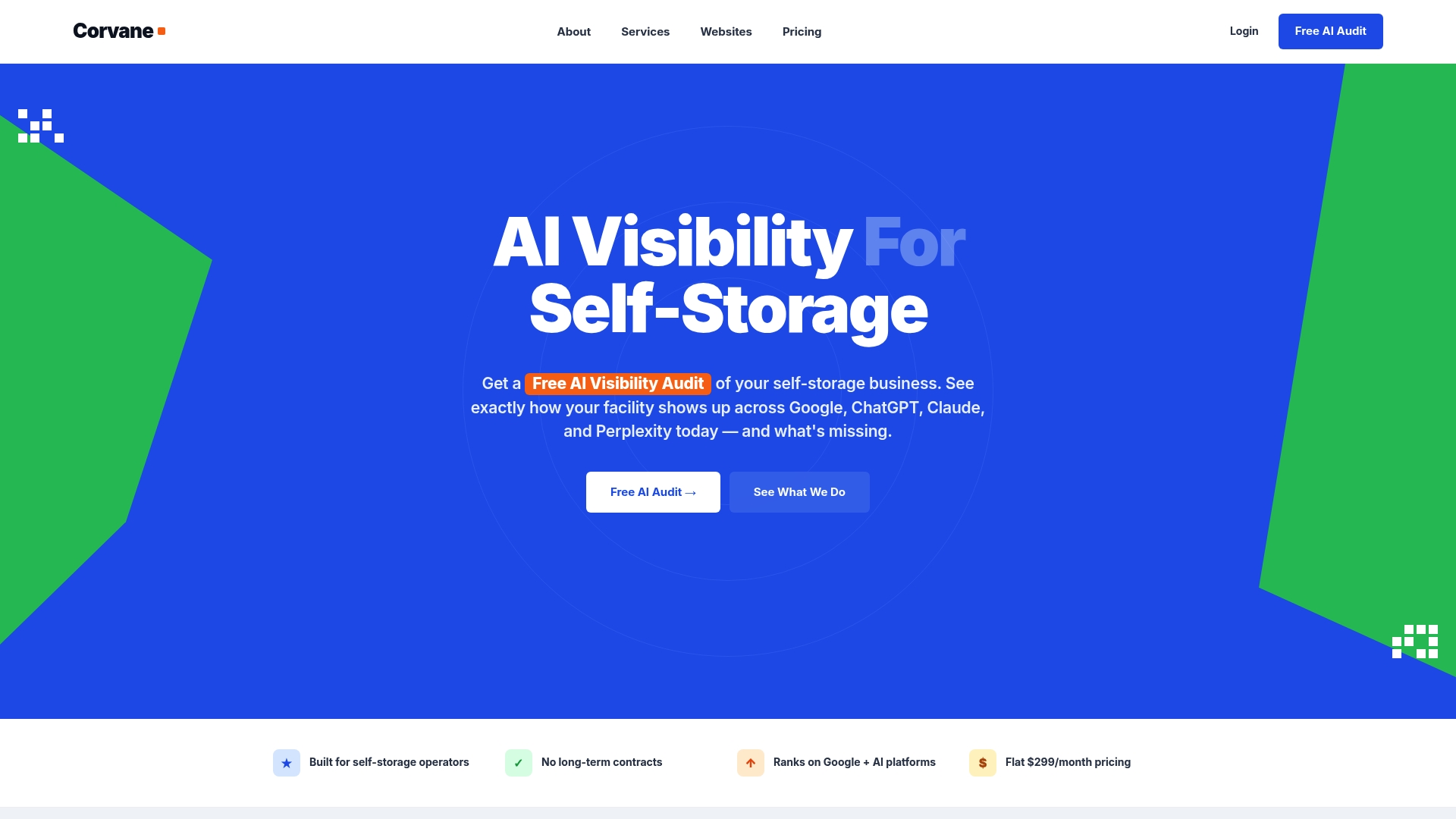
The full Corvane system covers technical and on-page SEO, local search work including Google Business Profile optimization, 30 keyword-optimized articles each month, AI visibility audits and monthly performance reporting. It costs $299 per month, plus a one-time $50 onboarding fee, with no contracts. See the full Corvane system or request your audit there. If you are weighing outside help for the build itself, our overview of custom self-storage website agencies explains what to look for.
FAQ
How long does a storage website redesign take?
It depends on the number of facilities and pages, how much content needs rewriting and how quickly your team approves work. Plan time for the audit and URL map before design starts, since those steps protect your rankings. Leave a few weeks after launch for monitoring and fixes.
Will a redesign hurt my Google rankings?
It does not have to. Google states that permanent redirects do not cause a loss in PageRank, and that it can take a few weeks or more for new URLs to replace old ones in results. Map every old URL, redirect it properly, submit the new sitemap and keep the redirects for at least a year.
Should I keep my old URLs?
Keep a URL whenever the page still fits, since that avoids redirect work entirely. When an address has to change, redirect it directly to the most relevant new page. Google recommends mapping old URLs to their new destinations and updating canonicals and internal links to match.
What matters most on a mobile storage site?
A renter should be able to find a unit price and reserve on a phone quickly. Google indexes the mobile version of your site, so mobile content must match desktop. Responsive design is the approach Google recommends as the easiest to maintain.
What should I check before approving the new design?
Complete a test reservation on a phone, a desktop and a tablet. Confirm prices, unit sizes and your address are correct, forms work, and tracking records the conversion. Make sure the redirect map has been tested against your top old pages.
Sources
- Check Your Revenue Engines, Modern Storage Media
- How to Audit Website Content Before a Redesign, Kegan Quimby
- Is Your Online Presence Getting You Rentals?, Self Storage Association
- Site Moves and Migrations, Google Search Central
- Mobile-first Indexing Best Practices, Google Search Central
- SEO Improvement After National Relaunch, The Artist Evolution
- Mobile-Friendly Content Tips, Semihuman